YOUR CLIPS. YOUR PROGRESS.
Less setup.
More “run it back.”
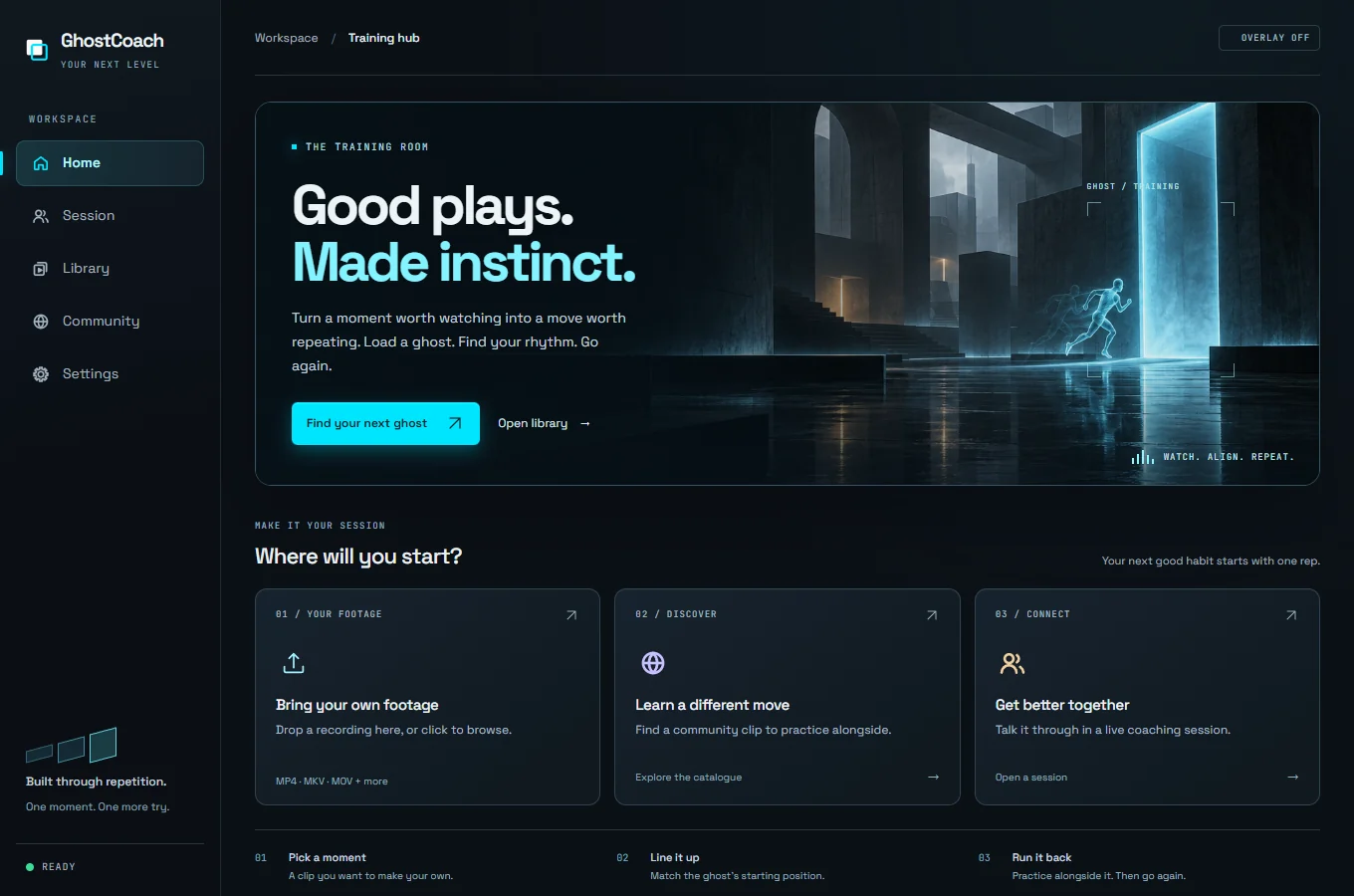
Keep your clips together. Trim a moment into a routine, adjust playback speed, and track the attempts you record.
YOUR NEXT LEVEL STARTS HERE
A great player's recording. A see-through layer over your game. A new way to practice the moves you want to make your own.
BUILT FOR WINDOWS · START FREE WITH 3 COMMUNITY CLIPS
THE DIFFERENCE IS RIGHT THERE
A video is easier to learn from when it's in the same place as your game. GhostCoach puts the recording over your screen, so you can play alongside it.
That see-through recording is your ghost. Line up the starting position, run the clip, and see where your timing or movement comes apart.
Find your rhythmWELCOME TO YOUR TRAINING ROOM
Start with a moment worth learning.
Come back until it feels like yours.
YOUR CLIPS. YOUR PROGRESS.
Keep your clips together. Trim a moment into a routine, adjust playback speed, and track the attempts you record.
BETTER, TOGETHER
Talk it through with voice and screen sharing. Their screen becomes your live reference while you work through the move.
Both people need a membership.
YOUR TRAINING STAYS YOURS
Your clip library and attempt history stay on your machine. No app telemetry. No website analytics.
Read our privacy policyTHE LOOP IS YOURS
A peek. A spray. A utility lineup.
Pick the part you want to work on.
Choose a community clip, or bring your own recording with a membership. Trim it to the part you want to repeat.
LOAD A RECORDINGMatch the starting position. Move and dim the overlay until the reference sits where you need it.
FIND YOUR STARTING POINTPlay alongside the ghost, restart, and go again. Slow it down when you need to. The controls and the pace are yours.
PRACTICE WITH PURPOSEYOUR NEXT MOVE
Try overlay training with 3 community clips. When you're ready to bring your own footage, there's a membership for that.
Compare all plan detailsA recording displayed as a see-through layer over your game. You play alongside it, with the reference in the same place as your own movement. Think of the ghost car in a racing game, applied to a moment you want to practice.
You make every input. GhostCoach displays a recording in an ordinary overlay window. It does not automate controls, read game memory, or inject into the game.
Use it in permitted practice environments, such as custom games, training ranges, offline play, and replay review. Check your game's rules about overlays before use.
Yes, with a membership. The free plan gives you 3 community downloads to train against. Membership adds your own recordings, unlimited community downloads, and live coaching. Both people need a membership for a coaching session.
GhostCoach runs on Windows. You'll need a clip to train against and a game running in windowed or borderless mode. An account is required for community downloads, synced settings, and membership features.
ONE MOMENT. ONE MORE TRY.
Overlay training for Windows.